
%2FOlivia%20Rhye.webp&w=64&q=75)
%2FPhoenix%20Baker.webp&w=64&q=75)
%2FLana%20Steiner.webp&w=64&q=75)
%2FDemi%20Wilkinson.webp&w=64&q=75)
%2FDrew%20Cano.webp&w=64&q=75)

One real screen
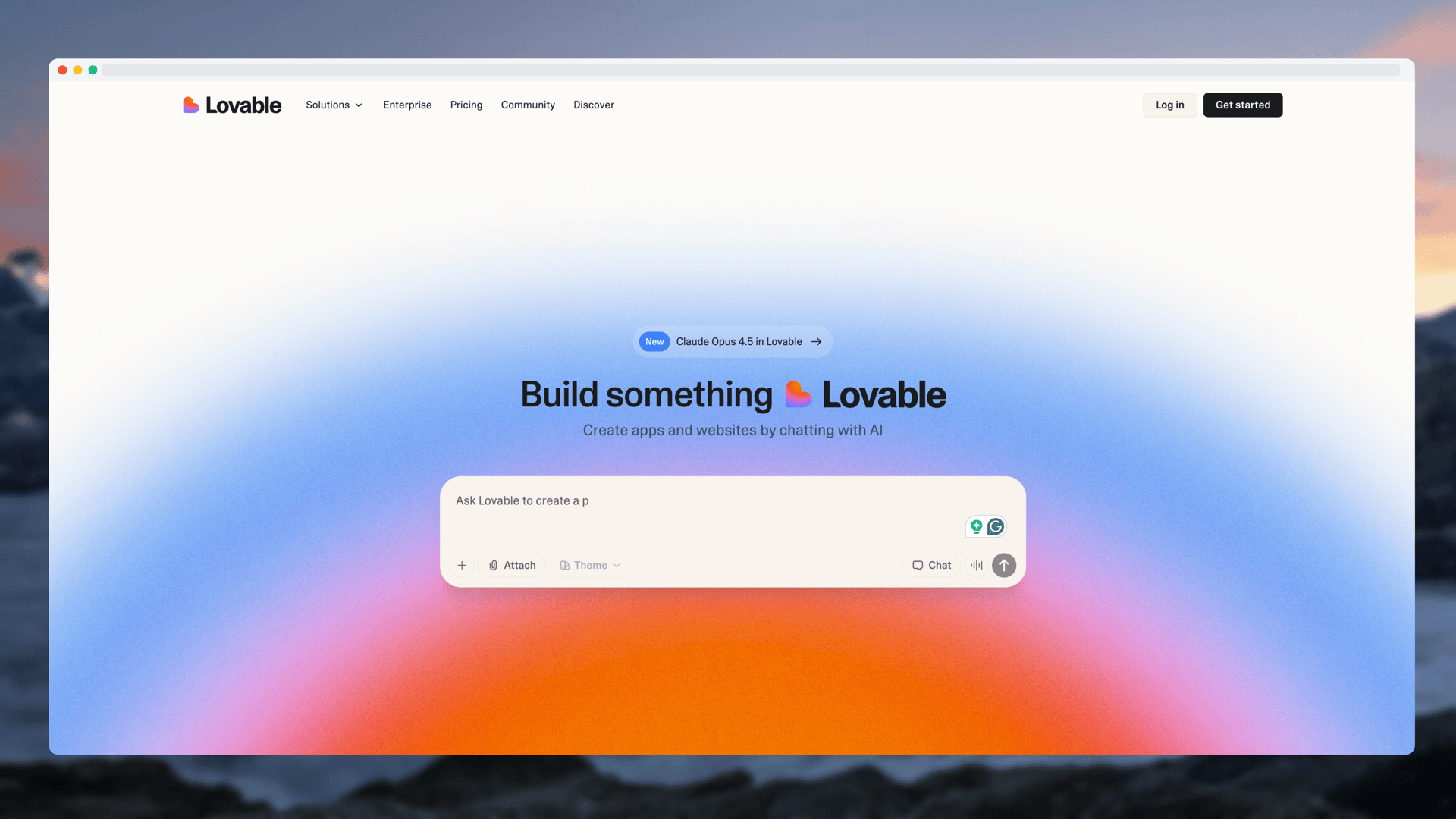
Website Store Launch Video
One source, many surfaces
Reuse one screen across website, store, launch, and video.
Create App Store and Google Play screenshots, device mockups, website graphics, Product Hunt galleries, social cards, and motion, all in one online editor.
Start free · no credit card required
Loved by 3,000+ creators
New HomeView and iPad motion alongside popular mockups, launch galleries and website visuals.
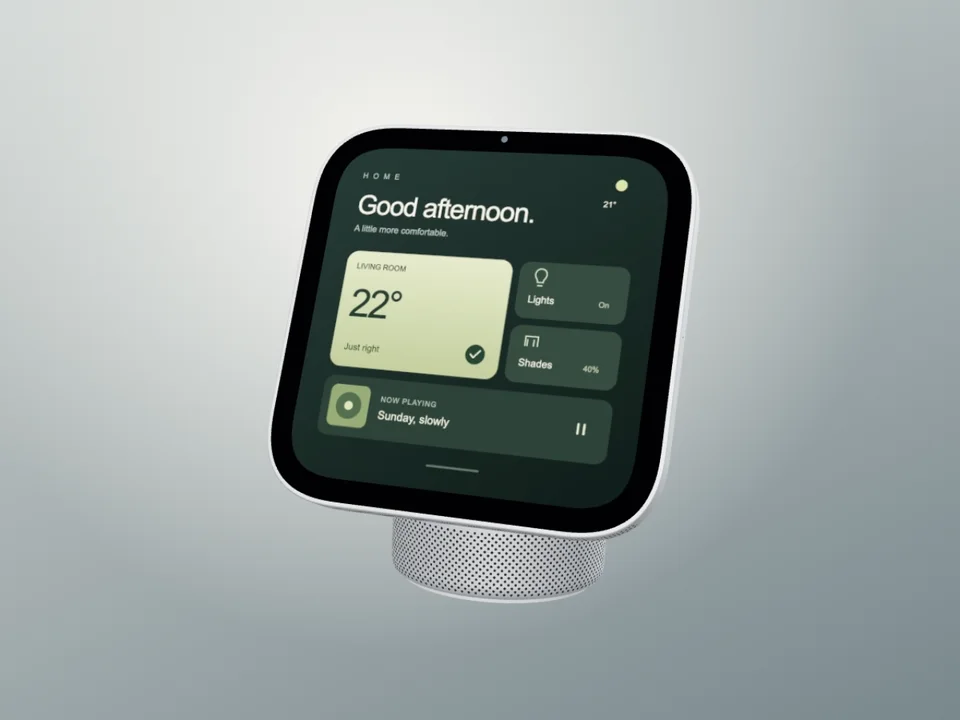
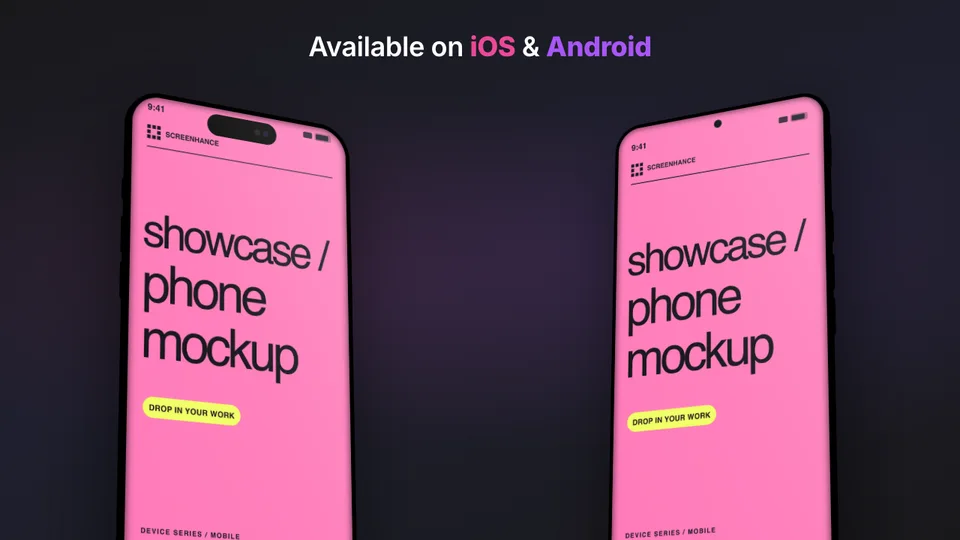
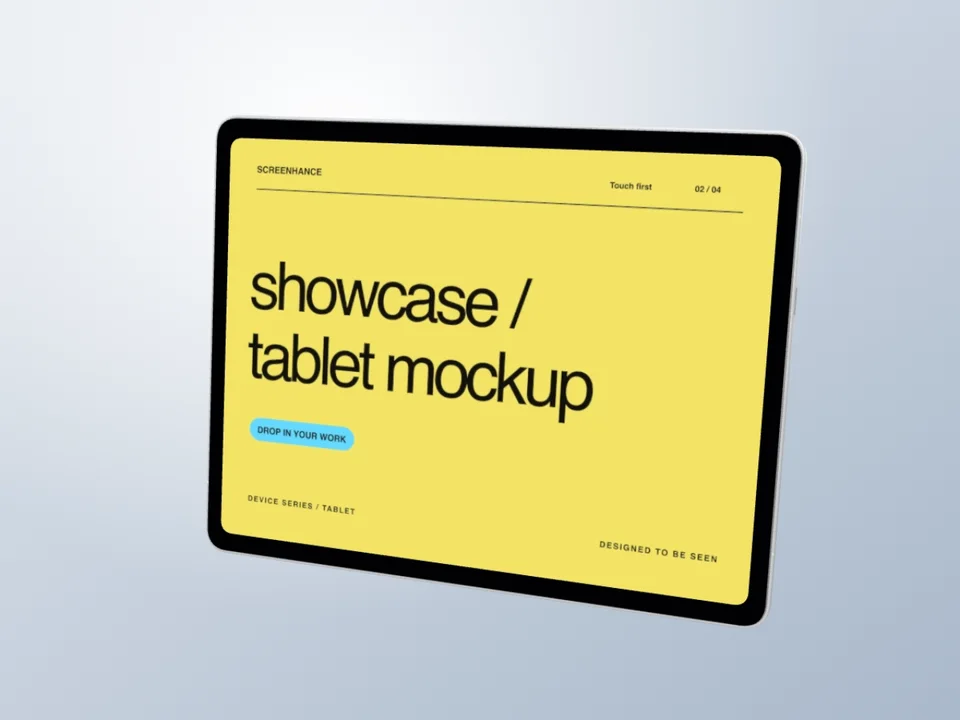
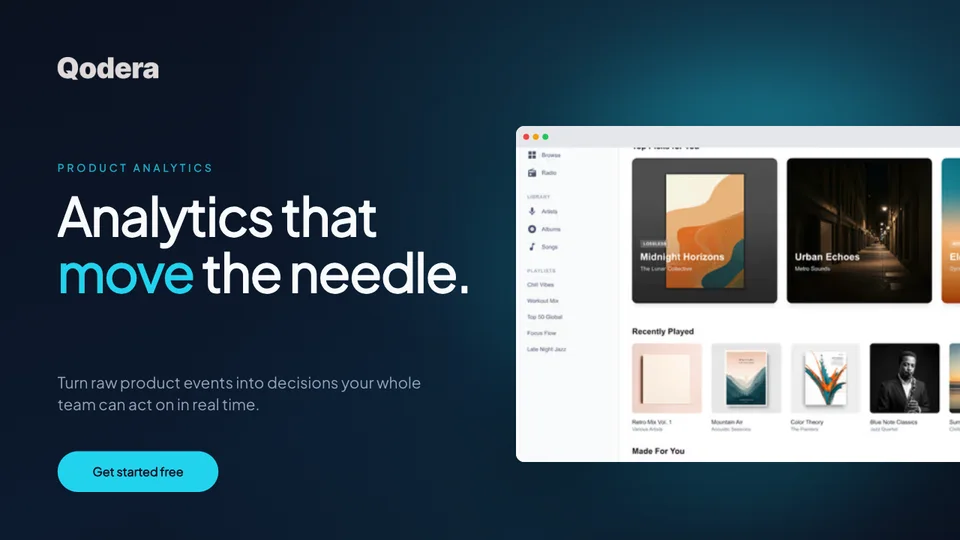
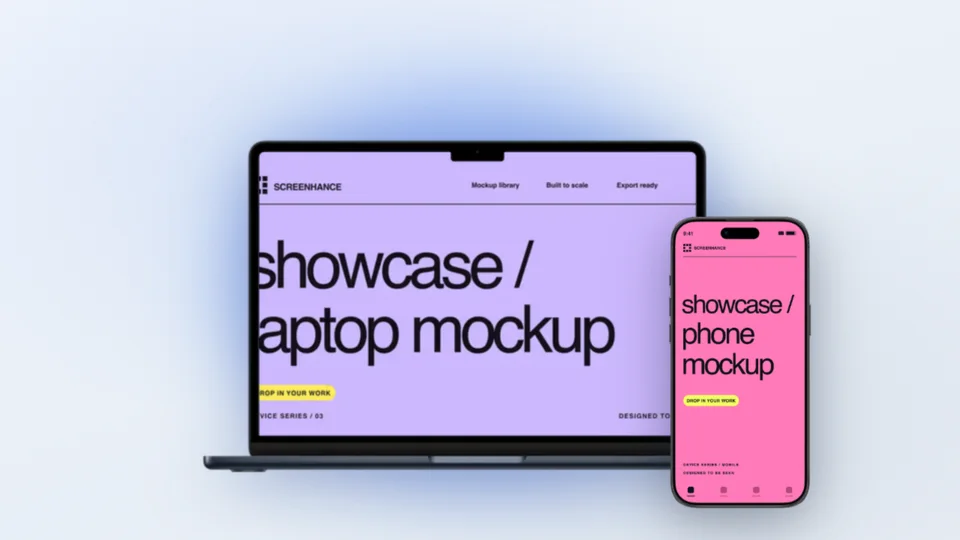
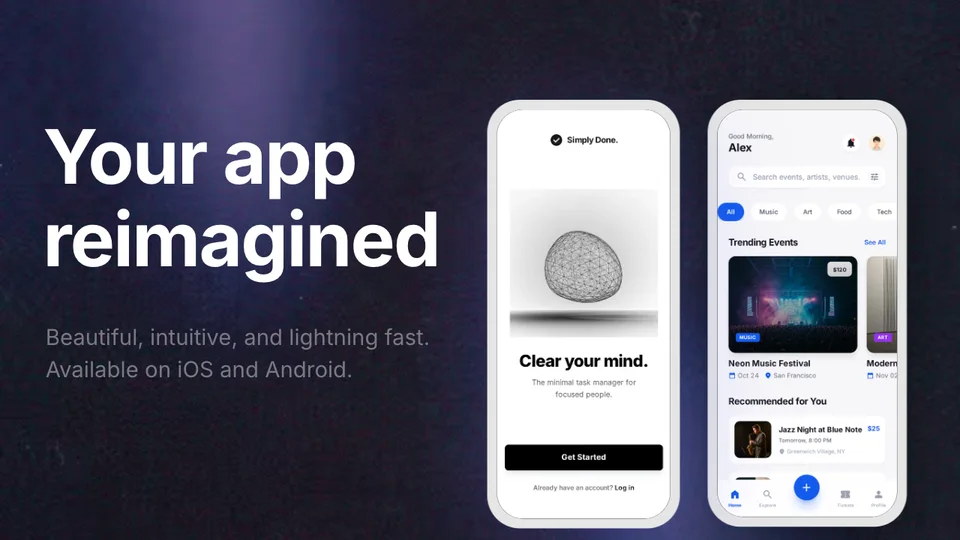
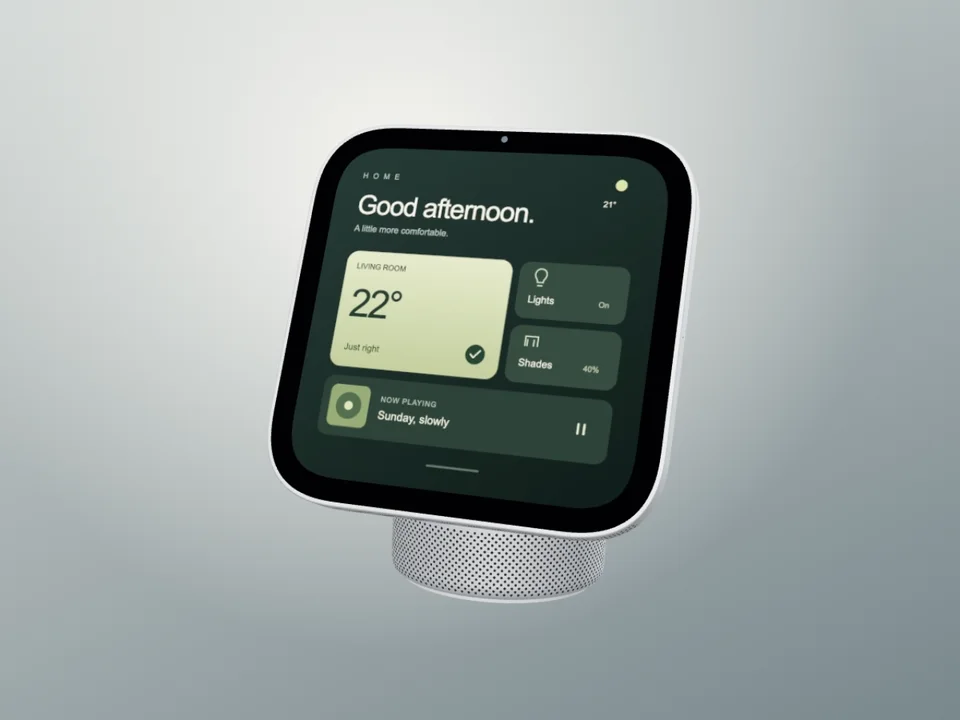
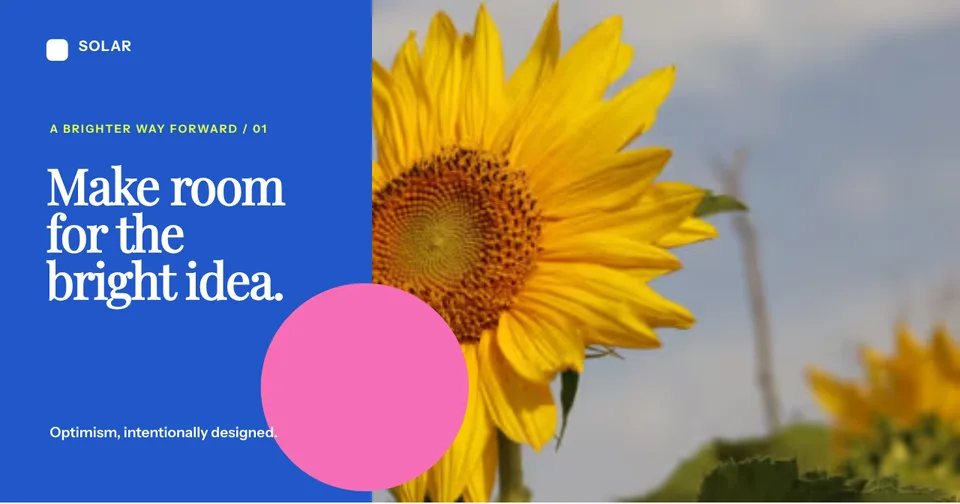
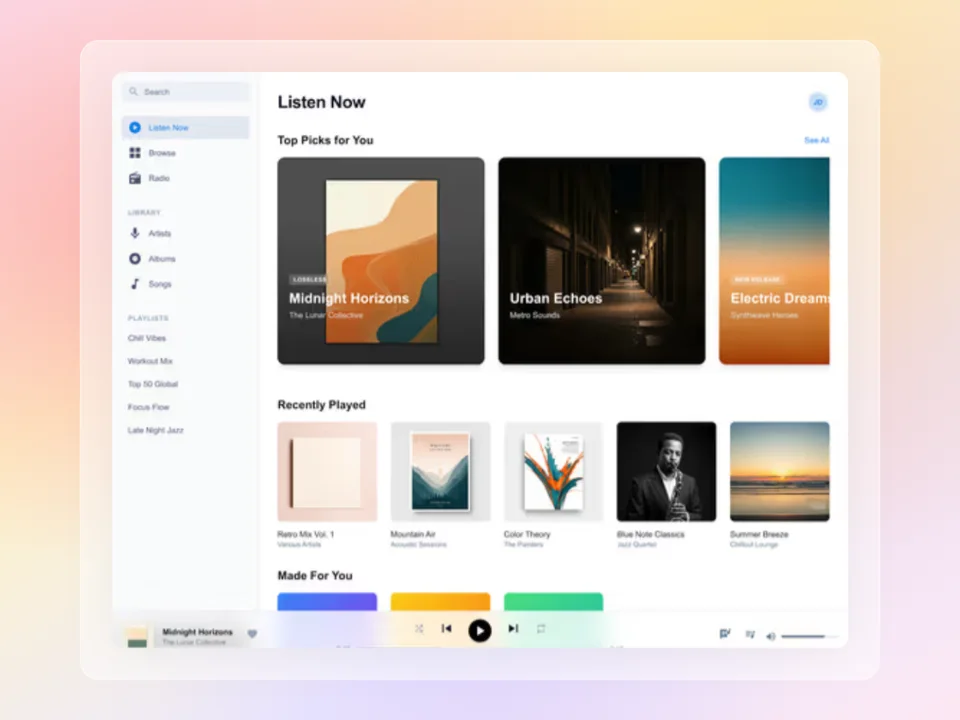
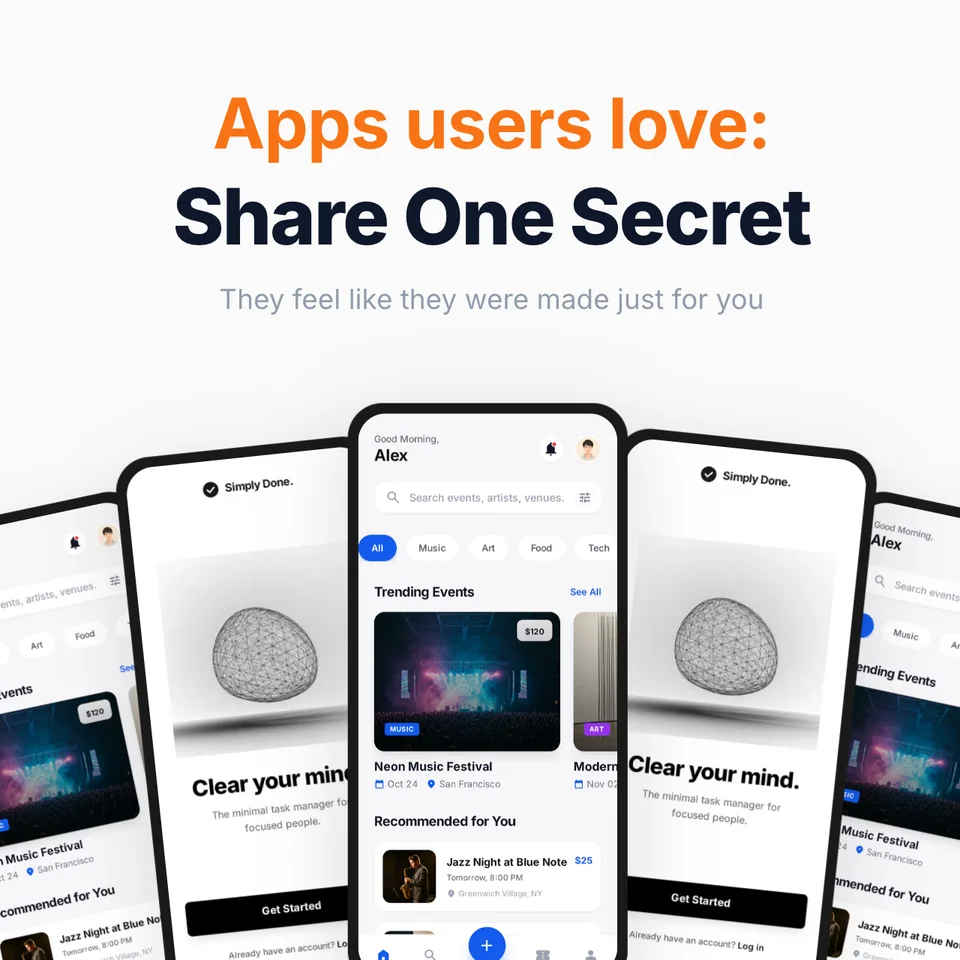
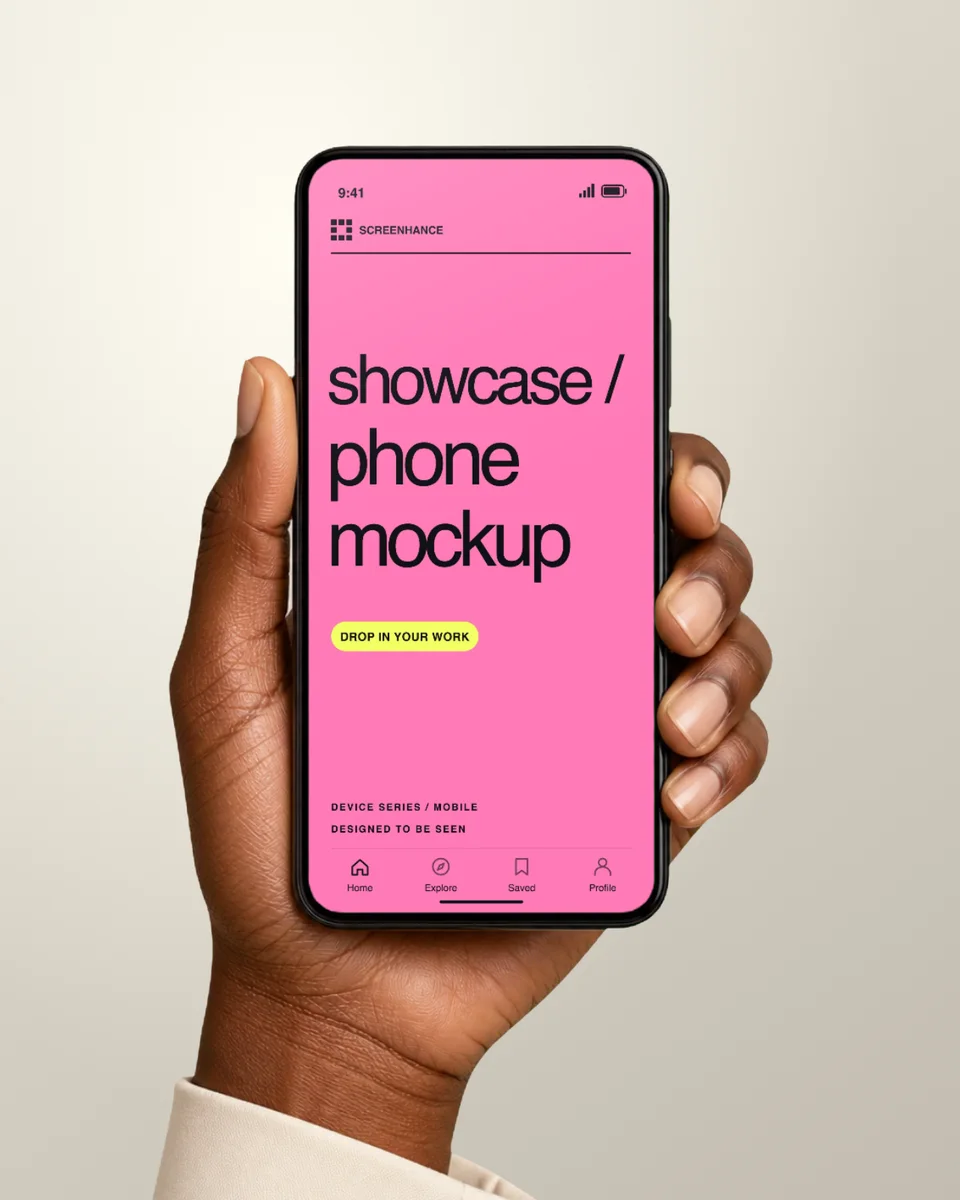
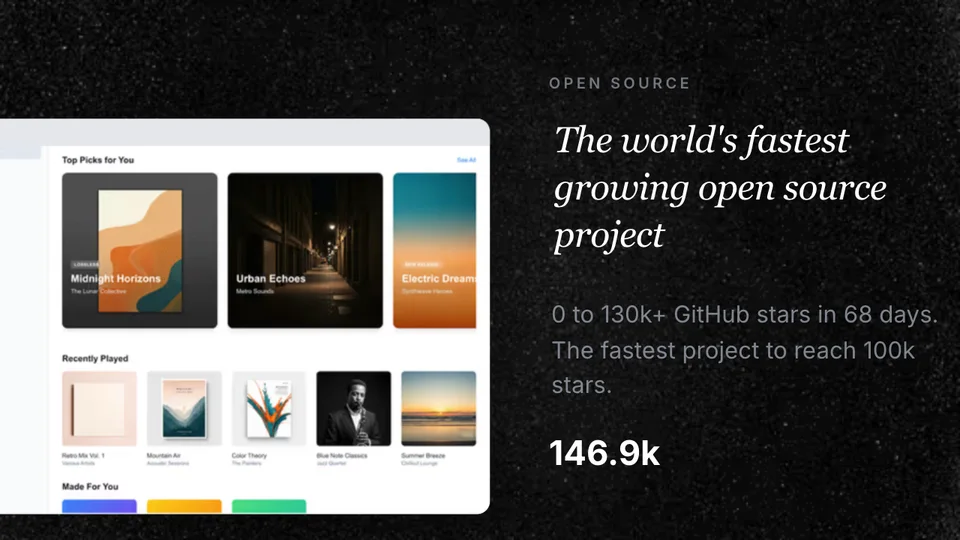
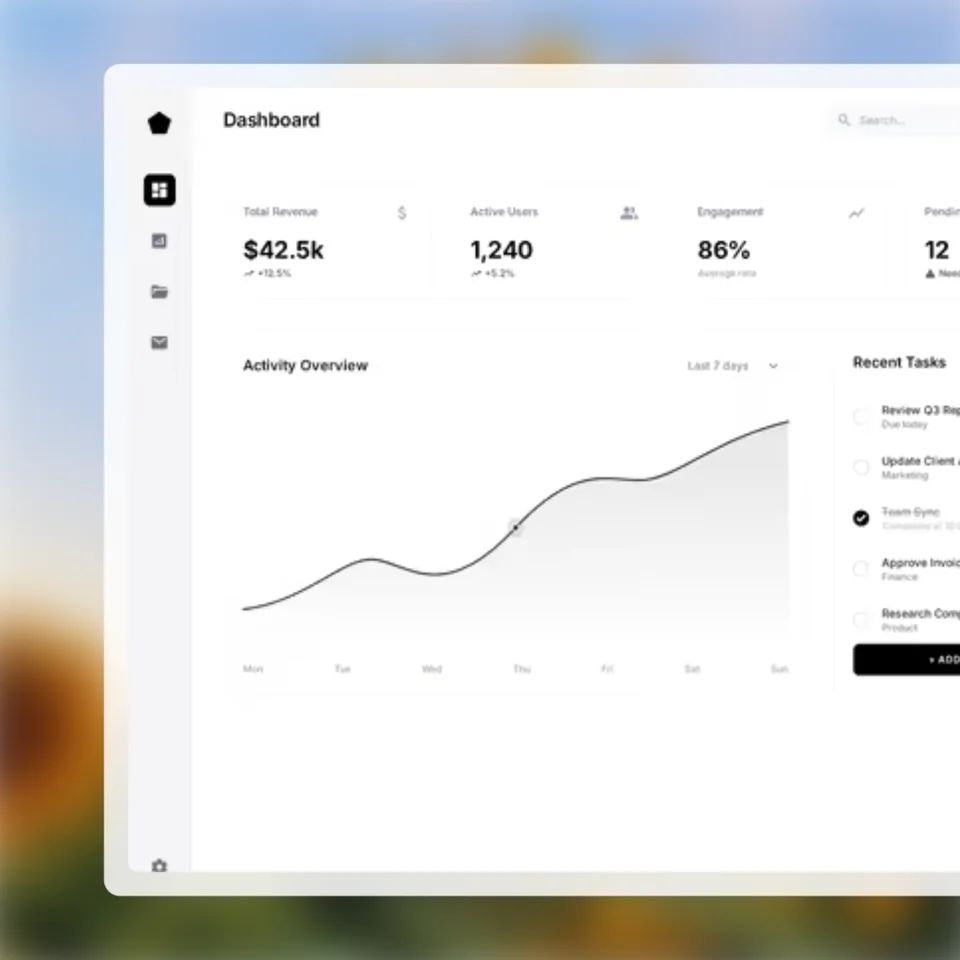
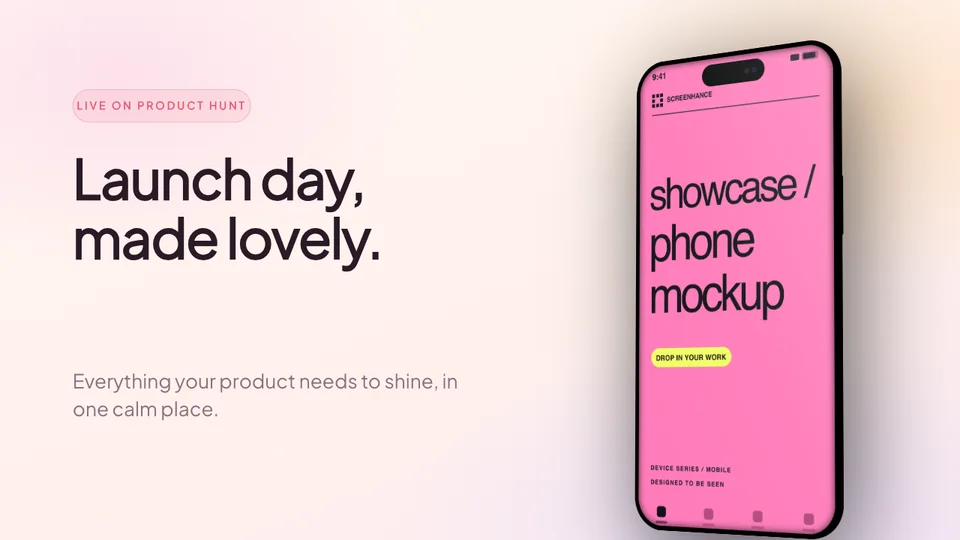
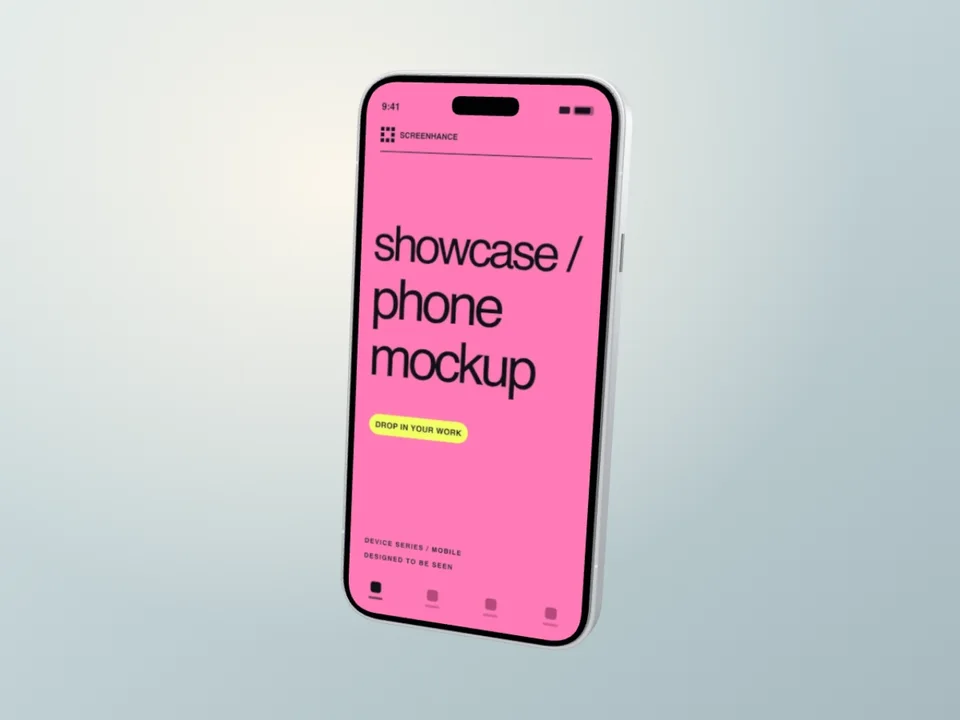
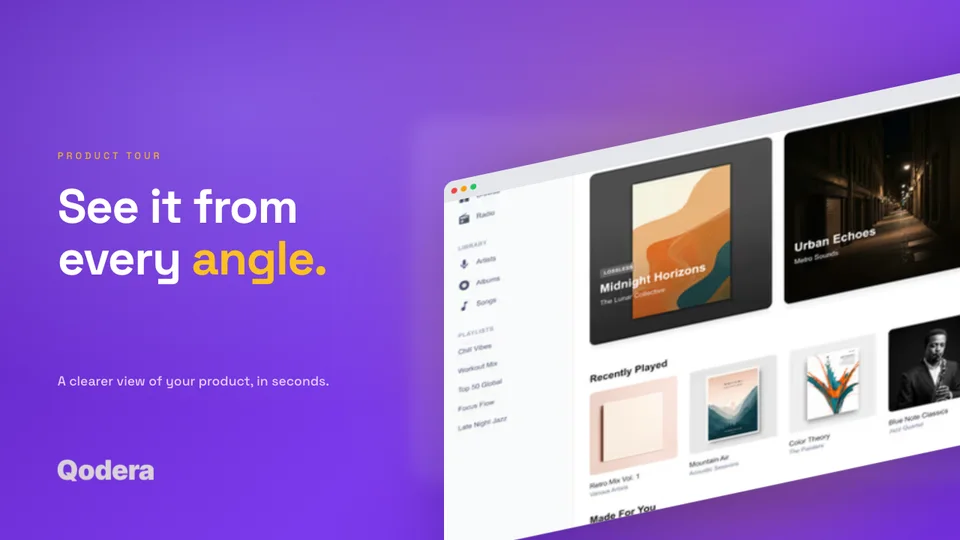
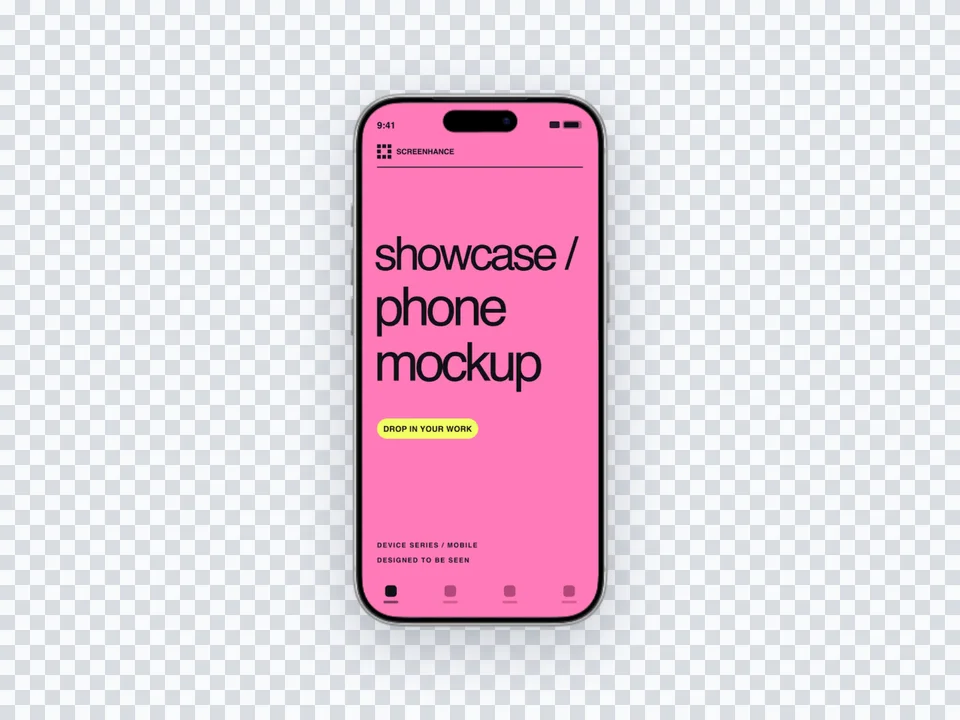
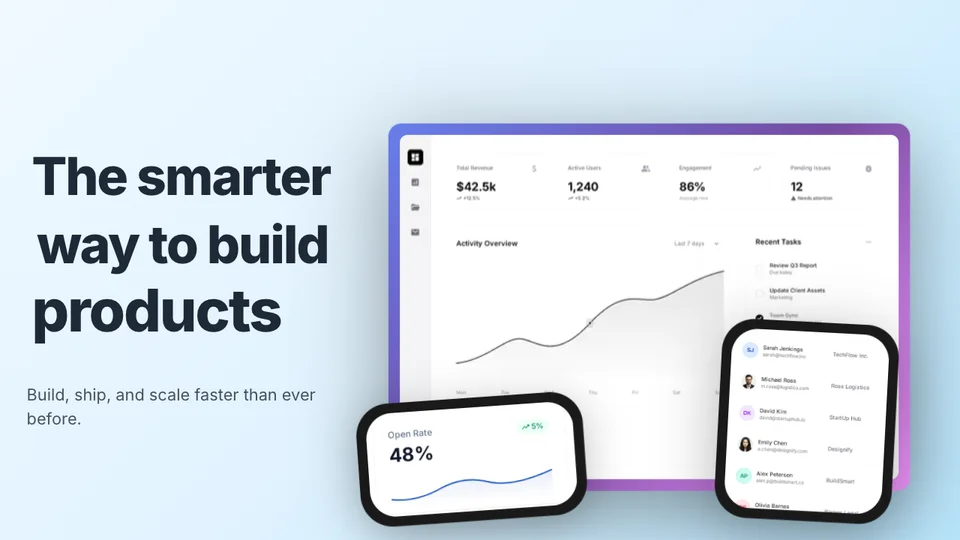
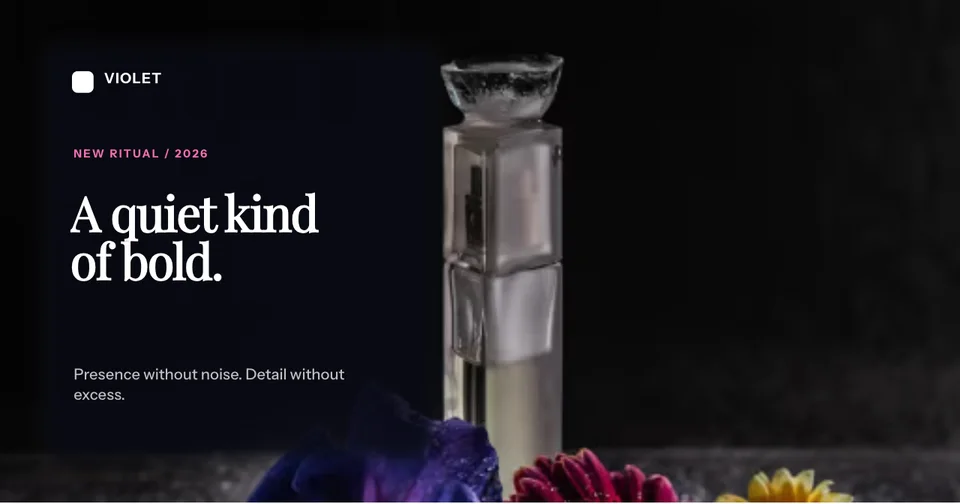
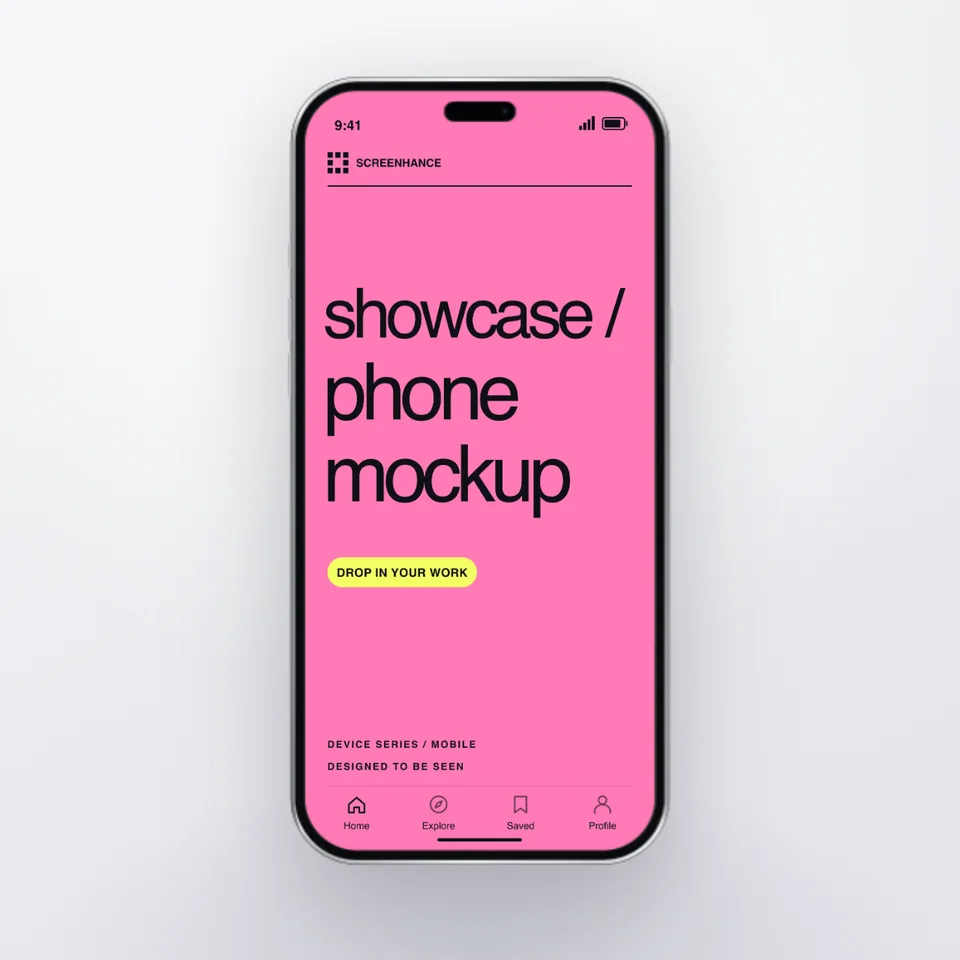
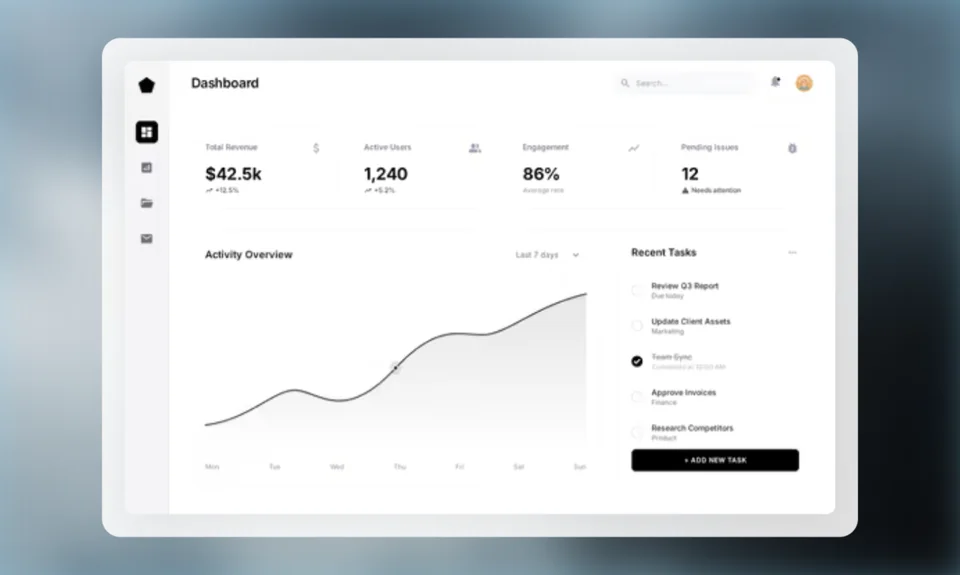
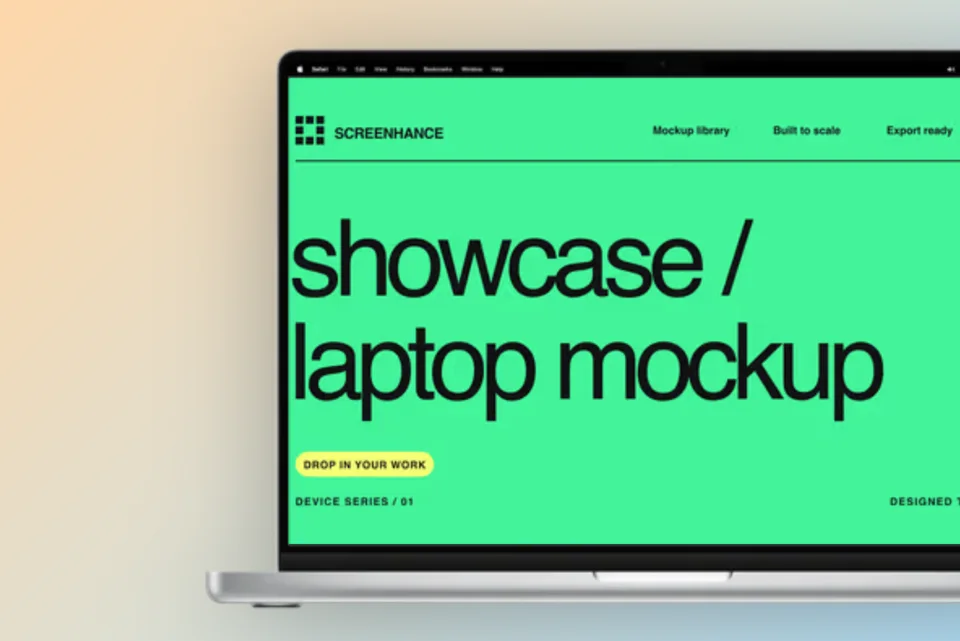
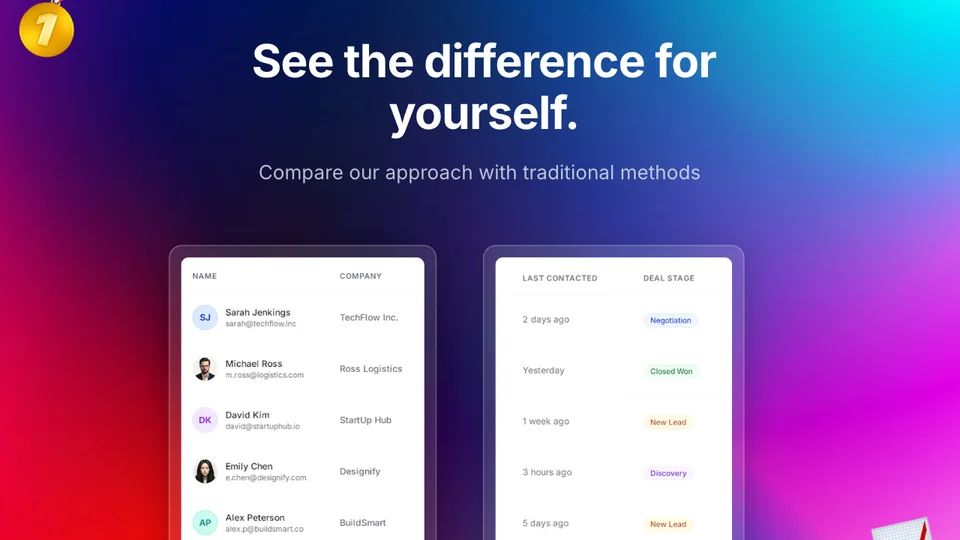
Start with an animated template, replace the screenshots, then tune the timing, movement, copy, and frame in the same editor.
Add a frame, background, perspective, and depth, then reuse the look across your launch.
Explore the mockup generator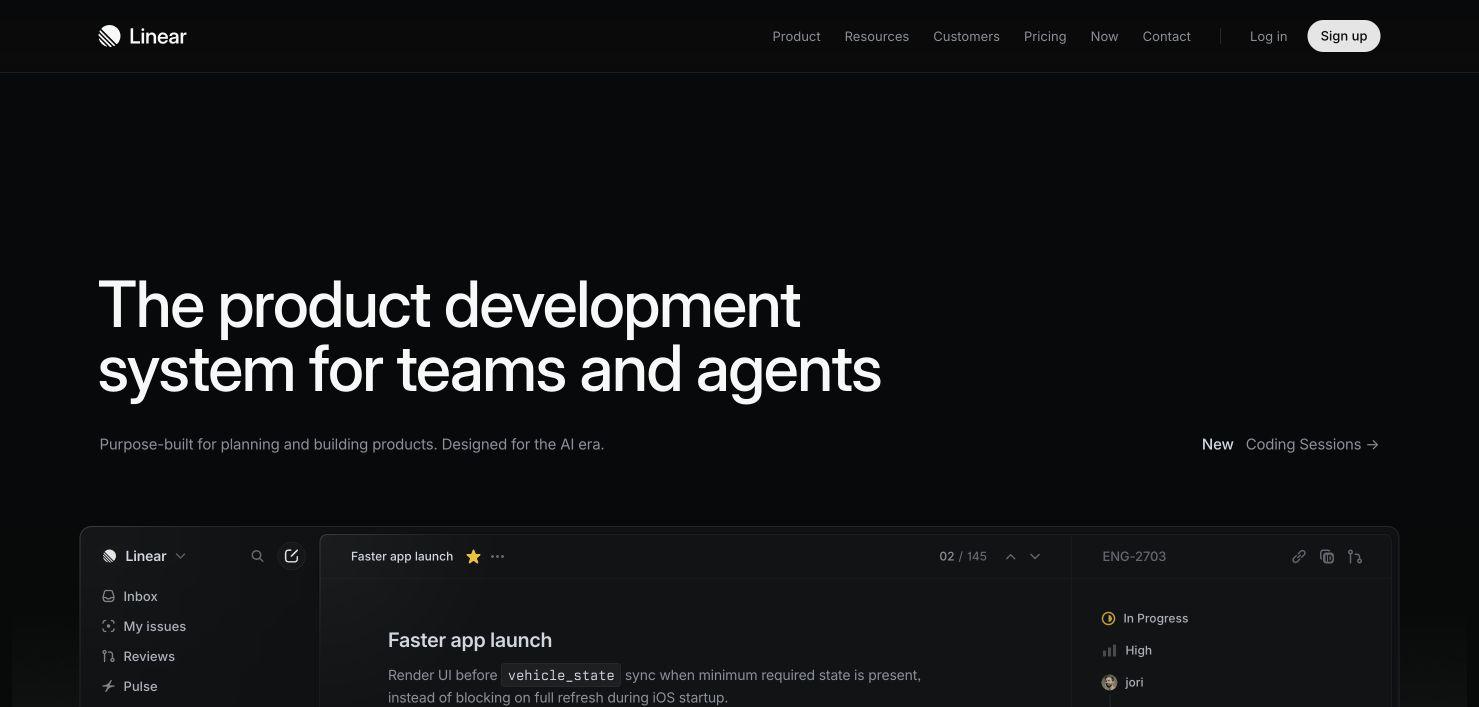
Start with a mockup or template. Reuse the same product UI across every launch surface.
Frame real product UI for website heroes, feature sections, comparisons, and social previews.
Explore the workflow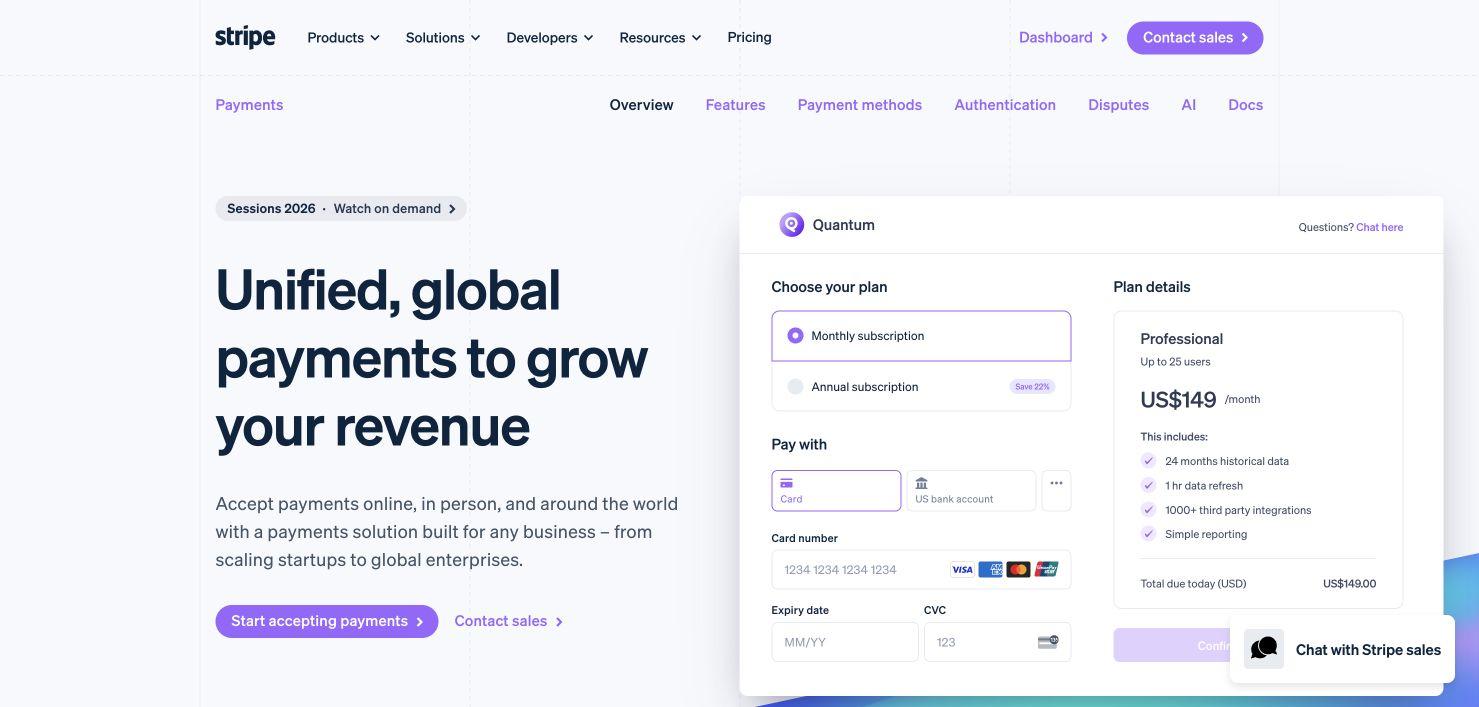
Turn one new screen into matching changelog, launch, email, and website visuals.
Explore the workflow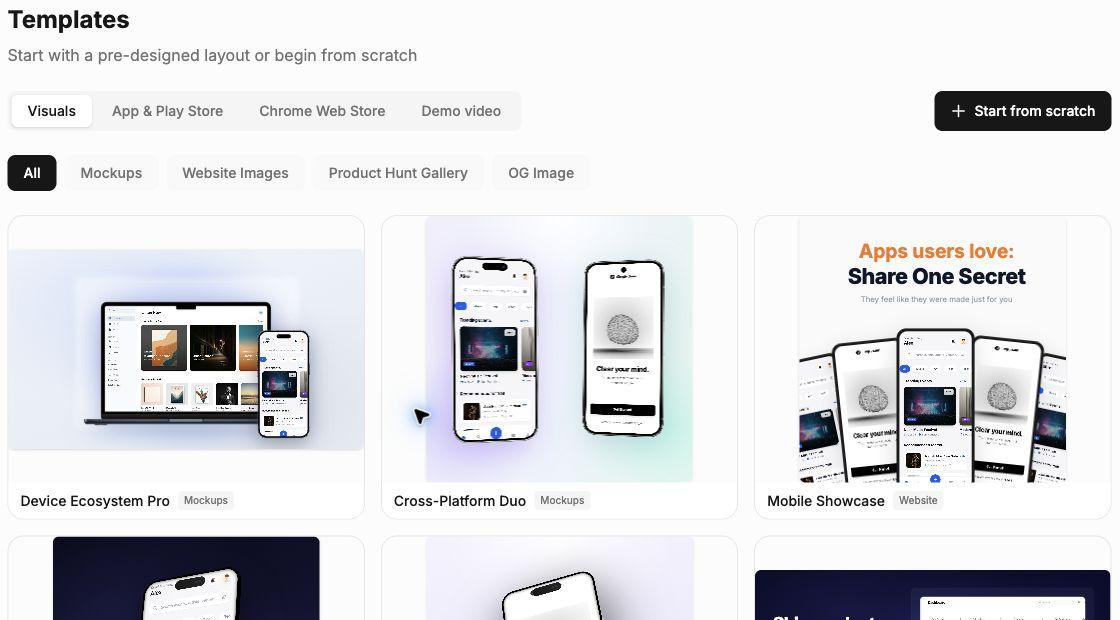
Create App Store and Google Play sets, then localize them without rebuilding the design.
Explore the workflow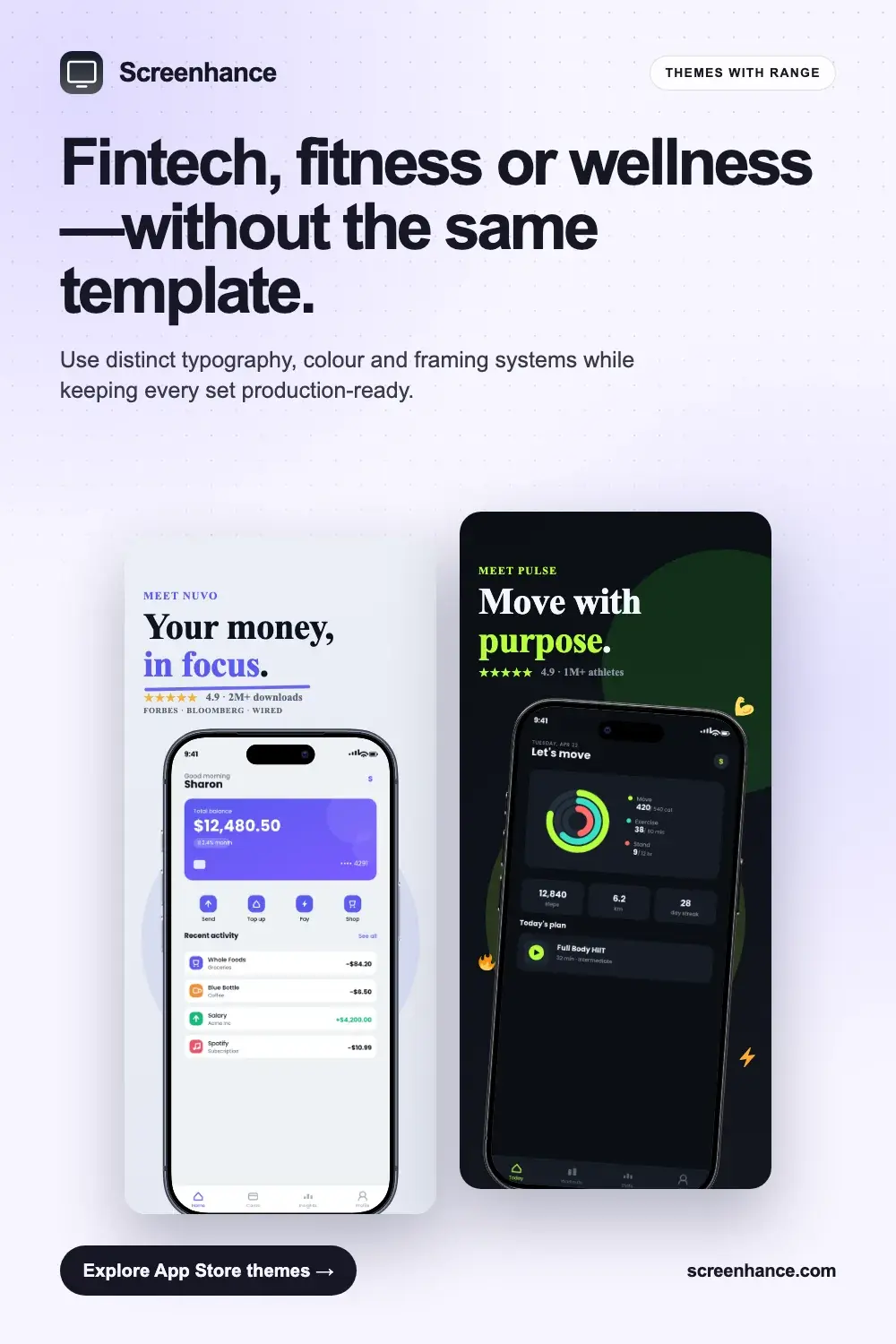
Turn a screen recording into a focused demo, launch clip, or website video.
Explore the workflow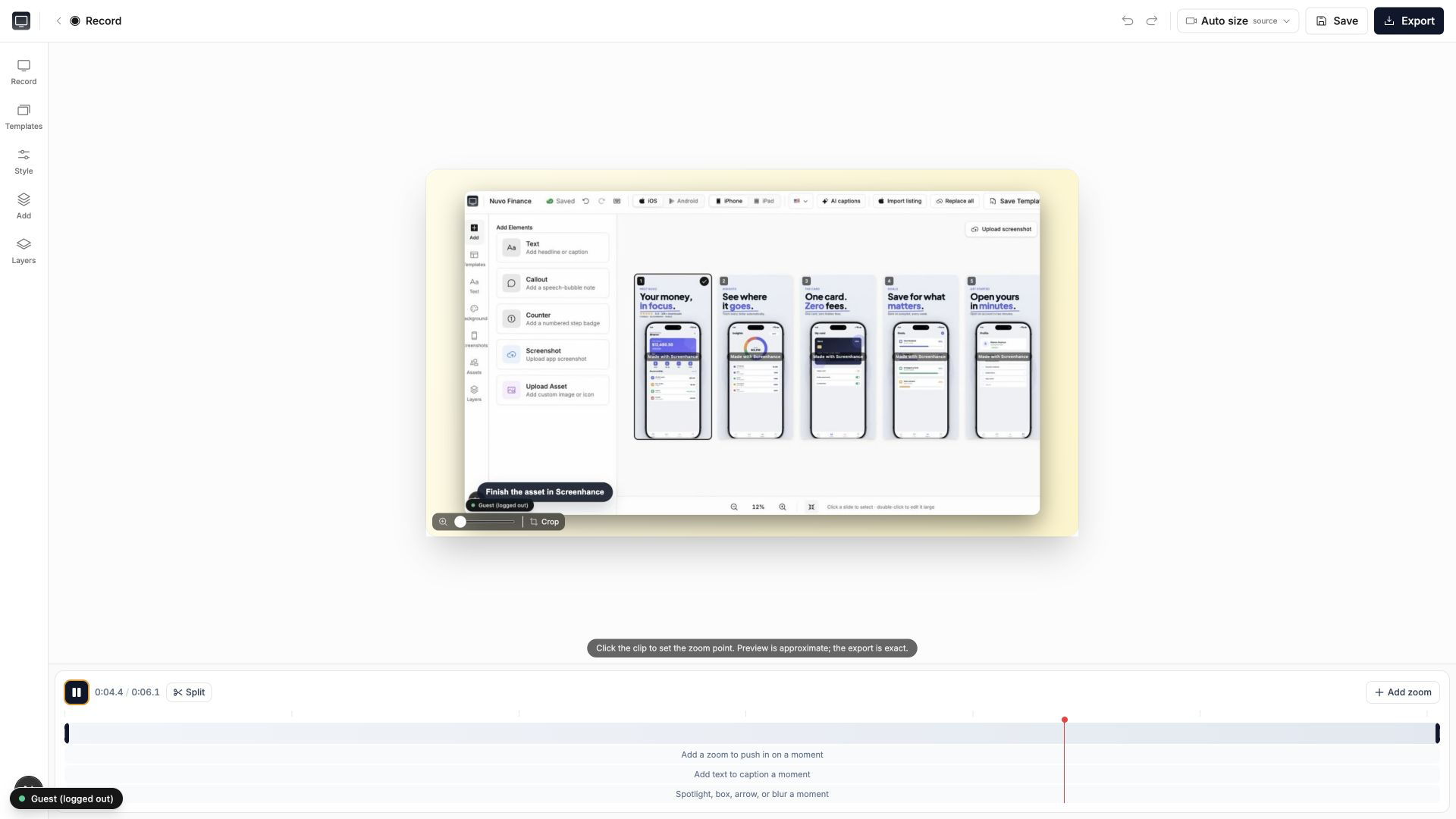
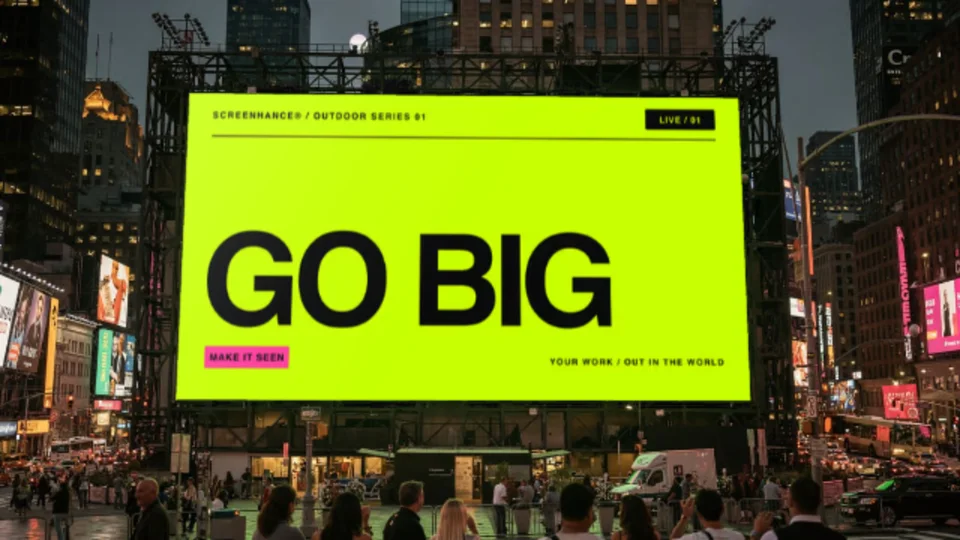
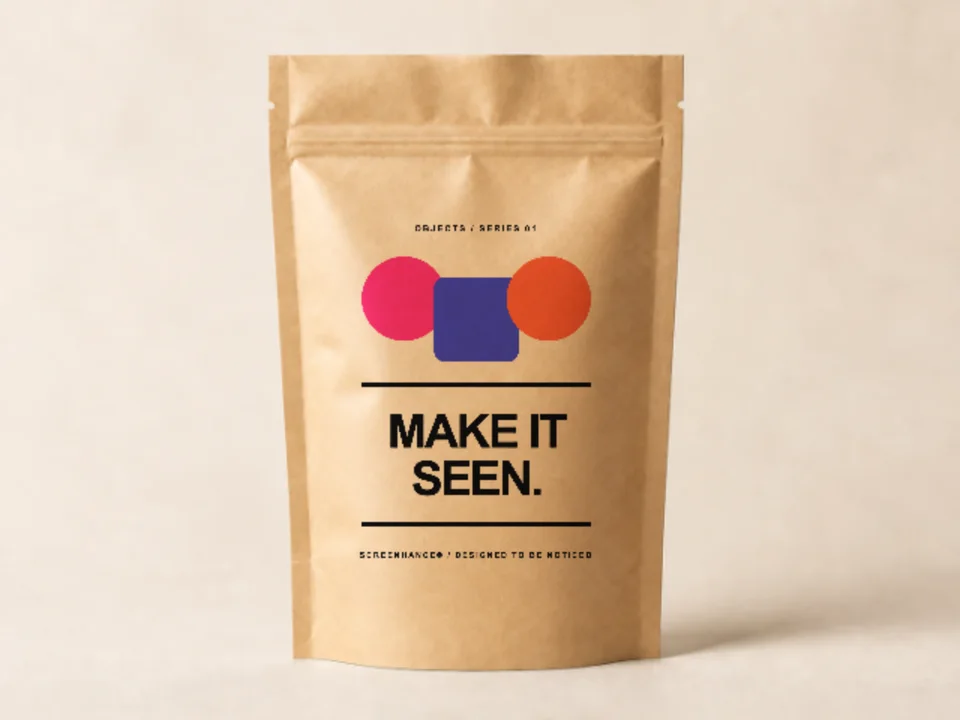
Preview billboards, apparel, packaging, and print before production.
Explore the workflow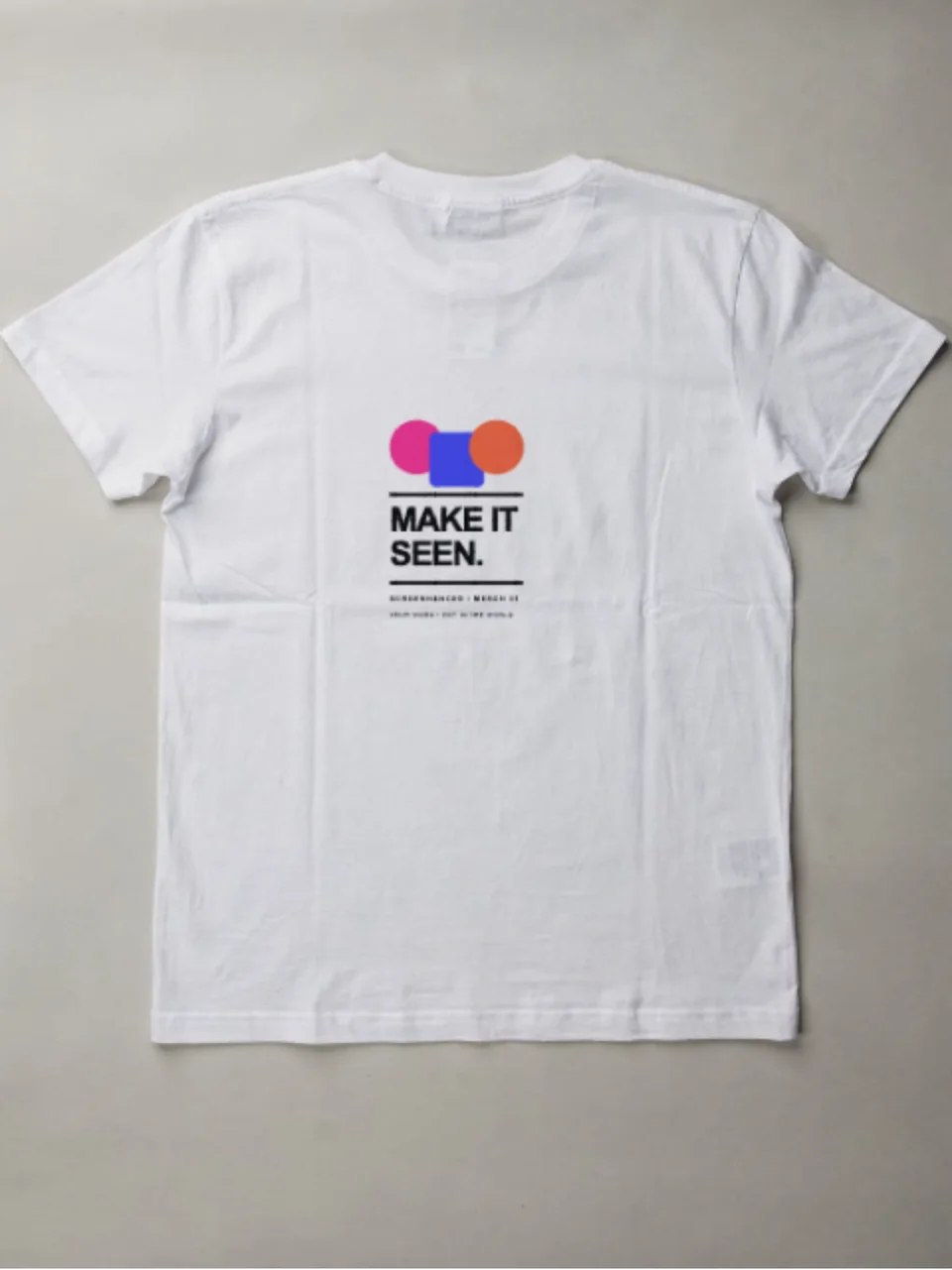
Choose a template or start from scratch, then keep the same visual system across static, motion, store, and real-world outputs.
Place screenshots or artwork in device, browser, apparel, print, packaging, and outdoor mockups.
Turn product screens into editable launch clips, animated mockups, and website-ready motion.
Build coordinated App Store, Google Play, and Chrome Web Store graphics from one design.
Create hero images, feature visuals, OG cards, Product Hunt galleries, and social assets.
Start with a proven layout or build from scratch, then edit the copy, type, color, and framing.
Export static, motion, video, social, and store-ready formats at the size the destination needs.
Reuse product media, brand styles, and exact presets in one editor.
Reuse one screen across website, store, launch, and video.
Keep type, color, framing, and depth consistent.
Start fast, then adjust every part of the composition.
Export exact sizes for stores, social, web, and motion.
Upload screenshots, artwork, or a recording.
Pick a template, mockup, store set, or demo workflow.
Refine every layer and export the right format.
It surpassed what I expected. The flow is direct, with great layouts and templates for screenshots.
Clean, easy to use, and I especially love the one-week pass.
The subtle motion adds a premium feel without becoming distracting.
It looks great. I really like the pricing, especially being able to try it without entering a card.
Well designed and useful for decks and product launches.
Use the full library free, buy a one-off Launch Pass, or upgrade for ongoing work.
Explore the full creative system before you pay.
A focused week of clean image exports for one launch.
For teams and creators shipping polished visuals regularly.
Everything you need to know about Screenhance.
Device mockups, Product Hunt gallery images (1270×760), OG social cards (1200×630), website hero visuals, and App Store screenshot sets. Each has purpose-built templates.
No. Pick a template, upload your screenshot, and export. No Figma or Photoshop needed.
PNG, WebP, JPEG for static. GIF and WebM for animated. Pro users get up to 3x Retina resolution.
3 exports per month, PNG format, 1x resolution, and basic themes. Small watermark. Screen recordings up to 5 minutes with a watermarked video preview. Great for trying it out.
10 watermark-free image exports over 7 days, $6 one-time. Perfect for launches. No subscription. Covers images only; demo videos keep the watermark.
Yes. Screenhance Studio records your screen for product demos. Free plans record up to 5 minutes with a watermarked preview. Pro unlocks 45-minute recordings, 1 GB video saves, and clean MP4 export.
Yes. All outputs are yours for any use—websites, social, app stores, pitch decks. No attribution needed.
The library spans mockups, motion, Product Hunt, OG images, website visuals, and coordinated App Store, Google Play, and Chrome Web Store sets. New templates and scenes are added regularly.
Still have questions? Reach out to us
